Check saddle height, knee angle, handlebar reach, and riding posture from one side-view cycling photo. Start with a quick AI fit, then use the focused tools if one area needs work.
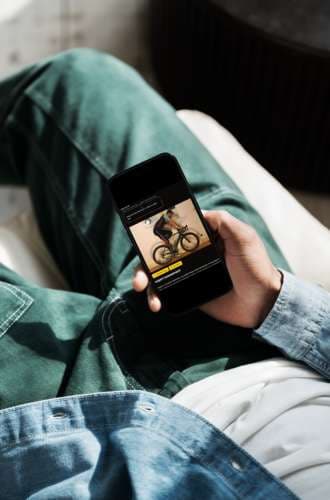
BikeFittr turns one riding photo into a quick position check for saddle height, knee angle, reach, and posture. Start with the free AI bike fit, then use the focused tools if one contact point needs work.
Use the AI bike fit app first, then refine the contact points that usually change comfort and speed the fastest: saddle height, crank length, handlebar width, and reach.
A photo catches one instant, and a pedal stroke is not one instant. The video analysis watches you ride and measures each adjustment at the crank position it actually belongs to: saddle height at your deepest leg extension, saddle fore/aft and your cockpit angles with the crank horizontal and forward. It reads your knee angle in every revolution and takes the median, so a single mistracked frame cannot decide where your saddle goes.
You get a screenshot of every measured frame next to its number, so you can see what was measured rather than take it on trust - and when the recording will not support a reliable answer, because the light was poor or the camera was not square to the bike, it says so instead of printing a confident figure. Nothing is uploaded: the analysis runs in your browser, and the video never leaves your device.
Analyse a pedalling videoFilm yourself pedalling and get saddle height, saddle fore/aft, and your cockpit angles from one clip - each with the frame it was measured from.
Upload one side-view photo and check saddle height, knee angle, reach, and posture.
Check whether your saddle is too high or too low from knee angle at the bottom of the stroke.
Estimate bar width, stem length, and cockpit reach before buying new parts.
Measure back angle, hip angle, and reach from a side-view riding photo.
Find a crank length that gives your hips and knees more room to move.
Compare knee, hip, back, elbow, and ankle angles against practical fit ranges.
How it works
BikeFittr reads the riding position you can actually see: knee angle, hip angle, back angle, arm position, saddle height clues, and cockpit reach. It is built for riders who want a useful first check before changing saddle height, stem length, handlebar width, or crank length.
Put the camera side-on at saddle height. Keep the full rider and bike in frame.
Use the AI fit or a focused tool to measure saddle height, reach, and posture.
Make a small adjustment, ride it, then retest with the same photo setup.
Bike fit guides
These guides target the questions riders search for before they are ready to upload a photo: AI fit accuracy, saddle height symptoms, and handlebar width.
How to take the right photo and use an AI fit check without overreacting to one number.
What one photo can measure well, what it cannot measure, and when to use a human fitter.
Symptoms, knee angle ranges, and a simple process for changing saddle height safely.
Choose a bar width and reach setup without copying a pro rider position blindly.
FAQ
Yes. You can start with the free AI bike fit and focused tools such as saddle height, cockpit fit, and handlebar reach checks.
Use a clear side-view photo with the full rider and bike visible. Put the camera around saddle height and wear fitted clothing so the joint points are easy to detect.
It is a strong first check for saddle height, reach, knee angle, and posture. For persistent pain, injury history, or complex asymmetry, use a professional fitter or clinician.
Start with the free AI bike fit if you want an overall check. Start with the saddle height analyzer if knee angle or saddle height is the main issue.
A photo-based check is fast, repeatable, and easy to compare after each adjustment.
You do not need a studio appointment to check the obvious fit issues. Take a side-view photo at home, on a trainer, or in a bike shop and compare the same position after each change.
Saddle height comes before reach. Reach comes before buying a new stem. BikeFittr routes riders into the right tool instead of asking them to change everything at once.
The AI check gives you numbers for knee angle, posture, and cockpit position. Use those numbers as a baseline, make one small change, then retest.
The guided flow starts with the problem most riders should solve first: saddle height. From there you can check cockpit reach, saddle setback, crank length, and the full riding position.
Start free AI bike fit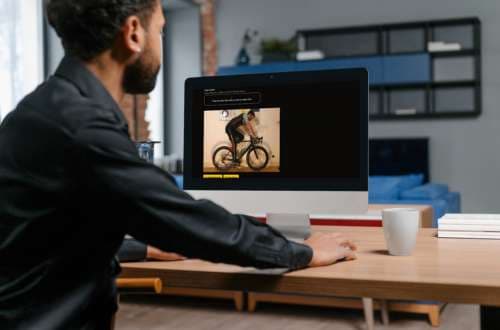
make your customers happier
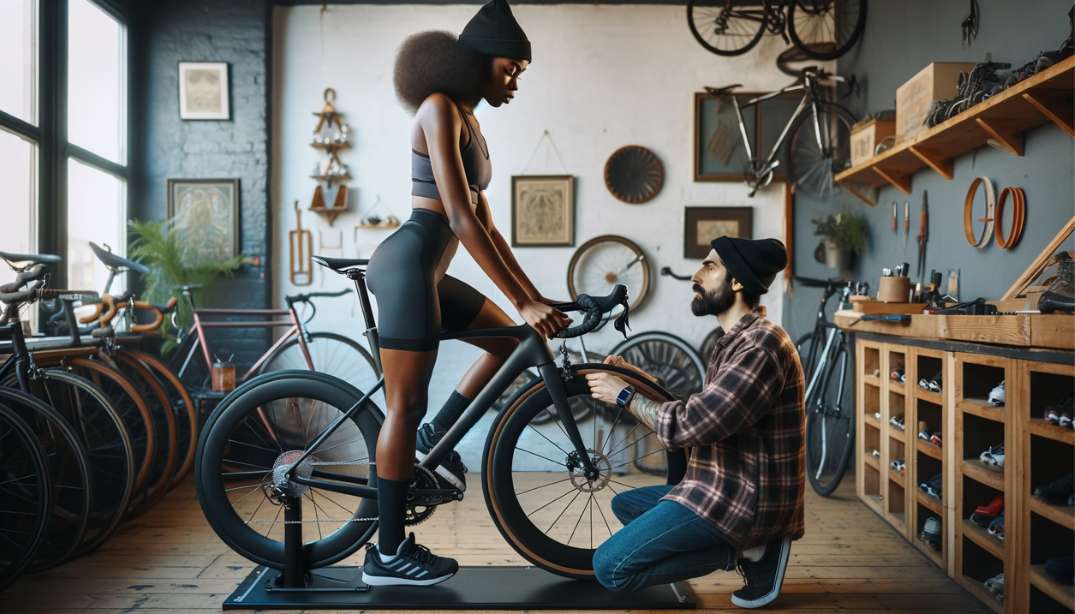
Offer Premium Service: Stand out by providing a high-tech online Bikefitting service in your shop.
Boost Sales: Use our app to assist customers in finding their perfect bike fit, enhancing satisfaction and loyalty.
By leveraging BikeFittr.com precise at-home online Bikefitting, riders achieve the perfect setup, significantly reducing returns due to improper bike assembly and fit.
Stay updated with the latest news, tips, and exclusive offers from BikeFittr. Join our newsletter today!